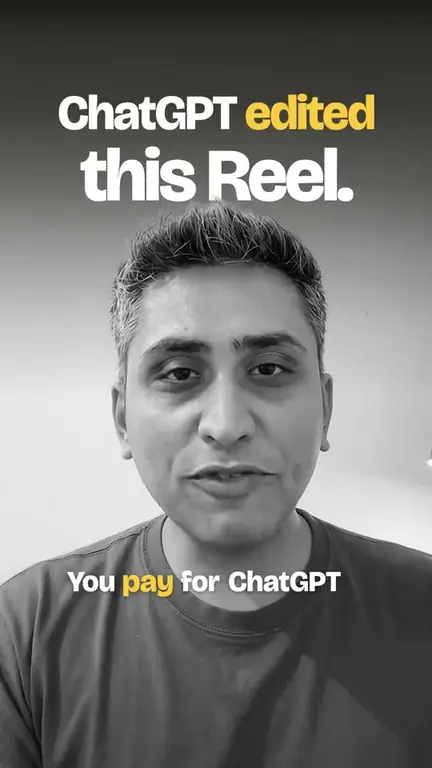

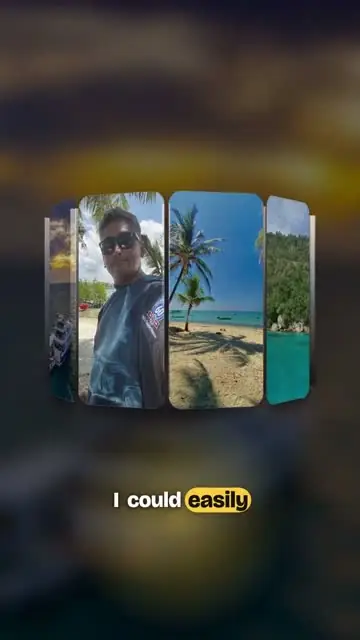

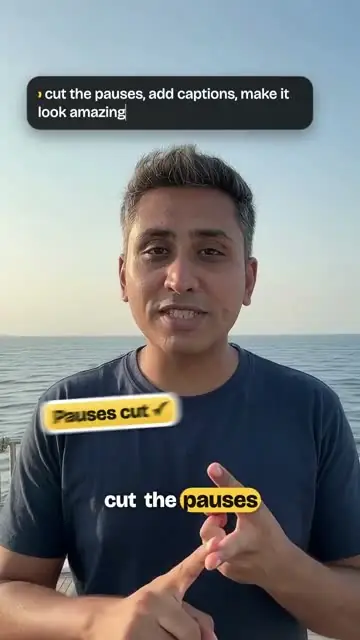

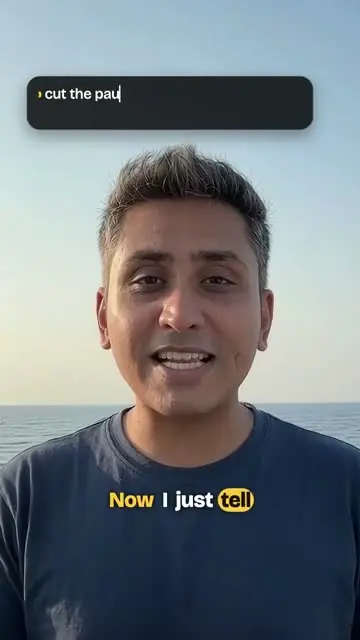




Tell AI what you want. It edits your Reels.

Endelir One edits on your own computer. Ask in ChatGPT or Claude, watch it happen, or edit by hand.

From Rs 249 a month, billed yearly. GST included.

You, in ChatGPTCut the pauses, add captions and make the colour warm.Done. 4 pauses cut, captions on, colour warmed.

01

A Reel is six layers. You only say what you want.

  1. 1Bring a folder

    It sorts your clips, finds the faces and writes down what is said.

  2. 2Say what you want

    In your own ChatGPT or Claude, in plain words. Or edit by hand.

  3. 3Watch it edit

    The cut, captions, colour, sound and cover come together in the app while you watch.

02

Type one message. Get the Reel.

Say it the way you would say it to an editor. Press Send and watch the take on the phone turn into a Reel.

  1. Cut 4 pauses
  2. Added captions, clear of your face
  3. Made the colour warm
  4. Ready to watch

Example, sped up.

03

One Reel, start to finish.

Clips, Story, Edit, Colour, Export. In light or dark, whichever you like.

Clips

Bring a folder. Find a take by its words.

It sorts the clips, finds the faces and writes down what is said, so you can find a take by what you said in it.

Andamans tripClipsStoryEditColourExportPlan
Talking
Phone
Underwater
Island
Talking
Talking
Selfie
Underwater
Boat
Talking
Talking
Phone

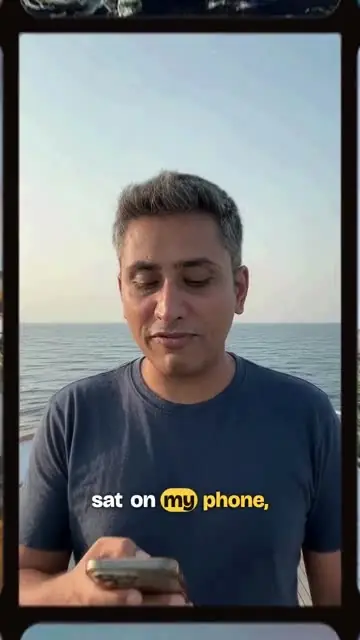
Said at 0:07 “So, years of my dive videos just sat on my phone.”

Story

Ideas and a storyboard from your chat.

Swap a shot, change a line, and say yes when it reads right.

Andamans tripClipsStoryEditColourExportPlan
OpenI've dived all across Asia.
ProblemThe videos sat on my phone.
TurnI told it what I want.
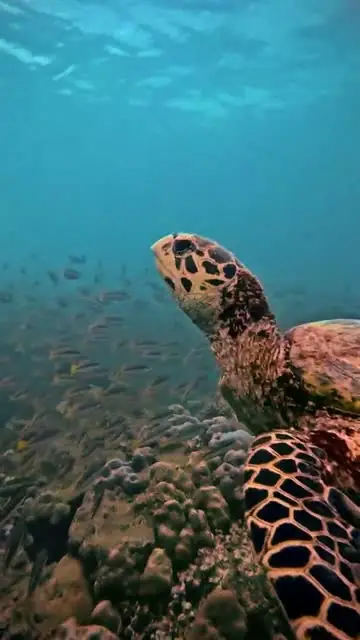
EndThe turtle, finally posted.

You: Open on the boat, end on the turtle.

Edit

A timeline you can grab.

Cuts, captions and effects. Your chat can do it, or your hands can.

Andamans tripClipsStoryEditColourExportPlan

Caption style

WordBoldSerif
CaptionsWord by word
Pauses4 cut
MusicUnder the voice
ZoomOn “three”
Hook textFirst 2 s

You: Make the captions bigger and zoom in on “three”.

Colour

A look, matched across every shot.

Pick a look, match your shots to each other, and grade the person apart from the background.

Andamans tripClipsStoryEditColourExportPlan
Original
Golden hour
Film
Moody
Teal and orange
Black and white
Match all shots to this one
PersonWarmer
BackgroundCooler
Underwater fixOn
Export

Checked, then saved on your computer.

Checks run before you post. Choose the cover, write the caption, and the video is saved in your folder.

Andamans tripClipsStoryEditColourExportPlan
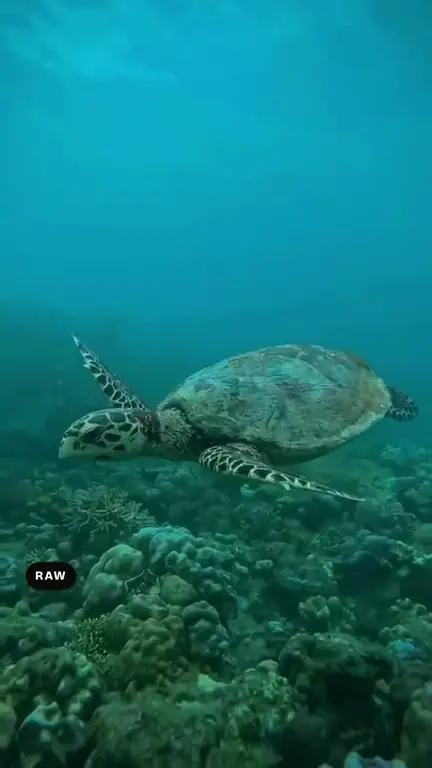
The cover frame: a turtle over the reef

Cover

Finally posted.
Dived all across Asia
The island
  • No dead air between words
  • Captions clear of the face
  • Sound at the right level

Years of dive videos sat on my phone. This one finally made it out.

Make the videoThis uses 1 of your 8 Reels this month.
04

A month of posts, planned with your chat.

Your chat writes the calendar and a script for every post. Press Make this video and the post becomes a Reel.

05

ChatGPTorClaude.

Connect the AI you already use. ChatGPT Free and Go work too.

  1. 1
    Install and sign inOn your Mac or PC, with your email.
  2. 2
    Add Endelir to your chat, onceThe Home screen shows you how, for ChatGPT or Claude.
  3. 3
    Ask for the ReelIn plain words. It edits in the app on your computer while you watch. No chat today? Every screen works by hand.
06

Your footage never leaves your computer.

Clips are read, cut, coloured and exported on your own Mac or PC. They are never uploaded.

Movies / AndamansClipsStoryEditColourExportPlan
All clipsPicked for the editTalkingUnderwaterSelfieBoat

Everything is edited on this computer. Your clips are never uploaded.

LightOr let it follow your computer.Dark

  • Edited on your computer.The app reads, cuts, colours and exports on your Mac or PC.
  • Never uploaded.Your video files are not sent to us or to your chat.
  • A small account.Your email, your plan and a count of the Reels you made. No footage, ever.

Pick how many Reels a month.

Yearly is ten months' price for twelve. Every price includes GST.

Personal

8 Reels a month

Rs 249 a month

billed Rs 2,990 a year

or Rs 299 billed every month

For your own page.

Choose Personal

Business

25 Reels a month

Rs 499 a month

billed Rs 5,990 a year

or Rs 599 billed every month

For a shop or a cafe posting all month.

Choose Business

Studio

80 Reels a month

Rs 1,082 a month

billed Rs 12,990 a year

or Rs 1,299 billed every month

For editors and agencies posting for clients.

Choose Studio

A Reel is one finished video. Making it again after a fix is free, and everything before that is unlimited: clips, ideas, storyboards and edits.

At your limit, upgrade and pay only the difference for the days left, or add one Reel for Rs 49.

Bought Endelir Editor? Endelir One is yours free for a year, with thanks for backing us from the start. Nothing to do: download it and sign in with the same email.

Questions people ask.

Which computers does it run on?

A Mac with Apple Silicon (M1 or newer), or a 64-bit Windows 10 or 11 PC. 16 GB of memory is recommended. Setup downloads the editing engine once, about 8 GB. Intel Macs and 32-bit Windows are not supported.

Which ChatGPT or Claude plan do I need?

The one you already have. ChatGPT Free and Go work too, as do paid Claude plans. No chat at all? Every screen also works by hand.

Does my footage leave my computer?

No. Your clips are read, edited and exported on your own computer, and the files are never uploaded. When you ask in ChatGPT or Claude, your chat is sent what it needs to answer, such as the words said in a clip and a small still of the video you are editing.

What counts as a Reel?

One finished video. It counts once, when it is first made. Making it again after a fix is free, and clips, ideas, storyboards, plans and edits before that are unlimited. Your Reels renew on the 1st of every month, on yearly plans too.

What if I run out of Reels?

The app tells you before you make the next one. Upgrade and pay only the difference for the days left in your plan, or add one Reel for Rs 49, for this month.

Can I cancel?

Yes, any time, yourself: in the app (Account, then Cancel plan) or at Manage your plan. Your plan stops renewing and keeps working until the end of the period you have paid for. Payments are not refunded; see refunds and cancelling.

Will I get a GST bill?

Yes, by email for every payment. Prices include 18% GST. After you pay, we ask which state your business is in, and you can add a GSTIN and a business name for the bill.

I bought Endelir Editor. Do I pay?

Not for a year. Endelir One is yours free for twelve months on the Personal plan, as a thank-you for backing us early. Download it and sign in with the email you bought Endelir Editor with. Nothing else to do.

How do I install on Windows?

Press the Windows key and R together, paste the line from the Windows card under Download, and press Enter. It downloads Endelir One and opens the installer. If you downloaded the installer file instead and a blue “Windows protected your PC” box appears, click More info, then Run anyway.

Can I edit without the chat?

Yes. Every screen works by hand: cut on the timeline, choose captions, set the colour, pick the cover.

Download Endelir One.

Install it, sign in with your email, then connect your chat from the Home screen.

Setup downloads the editing engine once, about 8 GB. After that, editing happens on your computer.

On Windows you install with one line: press Windows+R, paste it, press Enter. It downloads the installer and opens it, with no warning boxes.